


Key Takeaways
- Greg Brockman, OpenAI’s president, revealed Elon Musk sought majority ownership in 2017
- Musk connected his demand to plans requiring $80 billion for Mars colonization
- Brockman testified he believed Musk might physically strike him during a tense exchange
- Musk departed the meeting abruptly and threatened to cut off financial support
- OpenAI explores a possible $1 trillion public offering in 2026; SpaceX targets June for its market debut
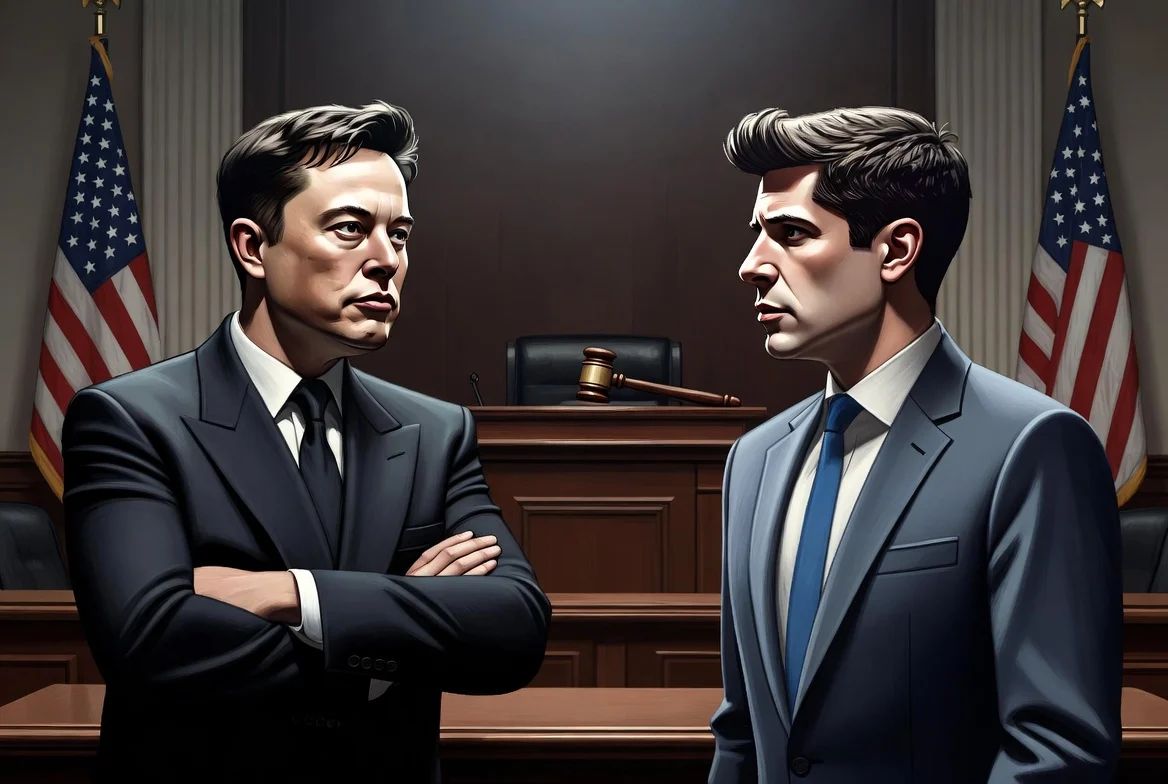
Greg Brockman, serving as president and co-founder of OpenAI, delivered testimony this week in an Oakland, California federal courtroom, providing unprecedented insight into the escalating dispute between Elon Musk and the artificial intelligence company.
https://twitter.com/StockMKTNewz/status/2051804470569308226?s=20
During his testimony, Brockman described an August 2017 meeting where Musk contended his business achievements justified receiving a controlling interest in [[LINK_START_0]]OpenAI[[LINK_END_0]]. Musk expressed his intention to assume leadership of the organization, with Brockman noting Sam Altman represented the sole alternative candidate under consideration.
As discussions turned to an equity arrangement Musk opposed, the atmosphere shifted dramatically. Brockman recounted to jurors: “I actually thought he was going to hit me.” Musk responded with “I decline,” before exiting abruptly.
Following his departure, Musk announced he would cease providing financial resources to OpenAI pending a resolution. Musk had served as a primary donor since the organization’s establishment in 2015.
Brockman’s testimony further revealed that Musk advocated for transforming OpenAI into a for-profit entity during the same period. Musk’s rationale centered on the belief that nonprofit status would prevent raising capital at the magnitude required for advanced artificial intelligence development.
The Mars Ambition Factor
The most dramatic revelation emerged when Brockman connected Musk’s ownership demands to his extraterrestrial goals. Brockman testified that Musk disclosed needing approximately $80 billion to establish a Martian city and viewed OpenAI control as a mechanism to generate those funds.
This account aligns with a documented SpaceX board action from January 2026. The board authorized granting Musk 200 million super-voting shares contingent on SpaceX achieving a $7.5 trillion valuation and successfully establishing a Mars colony housing at least one million residents.
Musk departed from OpenAI’s board in February 2018, preceding the company’s ChatGPT launch and subsequent rise to become among the technology sector’s most valuable enterprises.
OpenAI maintains that Musk’s legal action stems partially from resentment over forfeiting participation in that achievement. The organization further contends the litigation serves to advantage his competing AI venture, xAI, which completed a merger with SpaceX in February 2026.
Future Trajectories for OpenAI and SpaceX
Shivon Zilis, a former OpenAI board member who shares four children with Musk, is anticipated to testify following Brockman. Zilis resigned from the board in March 2023 as Musk established xAI.
OpenAI currently engages in preliminary discussions with Wall Street financial institutions regarding a potential $1 trillion initial public offering, possibly occurring in late 2026. Competing AI enterprise Anthropic pursues a comparable schedule.
SpaceX has submitted confidential filings to U.S. regulatory authorities and projects a June 2026 public market entry.
