


Key Points
- Elon Musk gave testimony claiming he created OpenAI, provided initial capital, and brought together its founding team
- The lawsuit targets OpenAI, Sam Altman, and Greg Brockman for allegedly betraying the organization’s charitable mission
- Musk’s legal action demands $150 billion, with funds designated for OpenAI’s nonprofit division
- Defense attorneys contend Musk filed litigation after attempts to gain company control failed
- The presiding judge cautioned Musk about inflammatory social media activity following posts targeting Altman
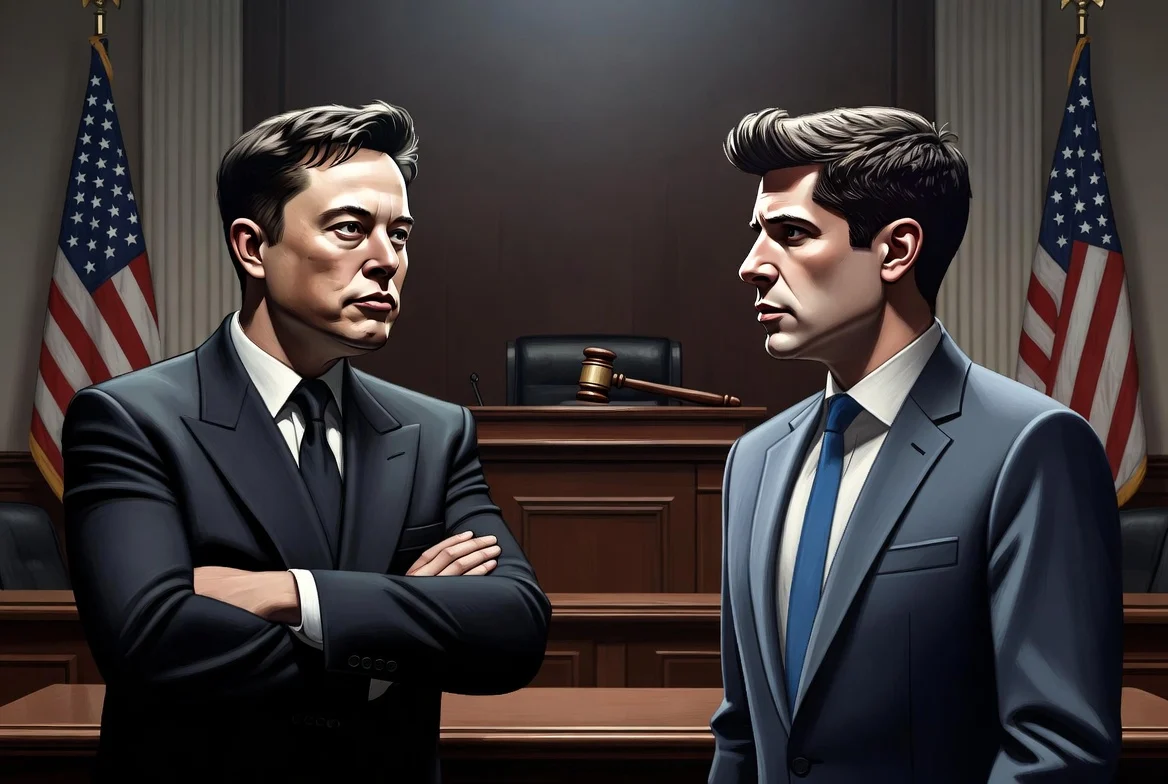
On Tuesday, Elon Musk appeared in a San Francisco courtroom to provide testimony in his legal action against OpenAI and executives Sam Altman and Greg Brockman. The proceedings examine allegations that OpenAI violated its original commitment to operate as a charitable organization serving the public interest.
🚨An email exchange from September 2017 was just shown to jurors
Musk: “Either go do something on your own or continue with OpenAI as a nonprofit.”
Altman: “I remain enthusiastic about the non-profit structure!”
The same month Brockman wrote in his diary: “i cannot believe… pic.twitter.com/VDrqrObrzE
— NIK (@ns123abc) April 28, 2026
During his testimony, Musk described himself as the originator of OpenAI, stating he conceived the concept, assembled the founding members, and supplied the startup capital. “I came up with the idea, the name, recruited the key people, taught them everything I know, provided all of the initial funding,” he stated under oath.
According to Musk, the nonprofit structure was intentional. “It was specifically meant to be for a charity that does not benefit any individual person,” he explained. “I could’ve started it as a for-profit and I specifically chose not to.”
The billionaire positioned his lawsuit as protecting American philanthropy. “If we make it OK to loot a charity, the entire foundation of charitable giving in America will be destroyed,” he declared.
The lawsuit demands $150 billion from OpenAI and Microsoft, with any awarded funds channeled to OpenAI’s charitable division. Additional demands include Altman’s removal from the board and reverting the company to nonprofit status.
Defense Presents Contrasting Account
OpenAI’s lead counsel William Savitt presented jurors with an alternative narrative. According to Savitt, Musk endorsed transitioning to a for-profit structure, provided he maintained control. Following his exclusion from leadership, Musk established xAI, his competing AI venture, in 2023.
“What he cares about is Elon Musk being on top,” Savitt argued. “We are here because Mr. Musk didn’t get his way.”
Savitt further alleged that Musk dismissed AI safety concerns, reportedly labeling OpenAI staff who emphasized safety measures as “jackasses.”
Defense attorneys argued that establishing a for-profit arm in 2019 became essential for competing with Google’s DeepMind and recruiting elite researchers.
Court Issues Social Media Warning
Prior to hearing testimony, U.S. District Judge Yvonne Gonzalez Rogers directly addressed Musk regarding his X platform posts referring to Altman as “Scam Altman” and accusing him of charitable theft.
While declining to impose a formal gag order, the judge instructed Musk to restrict trial-related posts. Musk accepted the terms. Altman consented to comparable restrictions.
Microsoft’s attorney Russell Cohen defended the tech giant’s role, stating the company behaved as “a responsible partner every step of the way.” Microsoft contributed $10 billion to OpenAI in January 2023.
Musk recounted that his AI safety concerns intensified following discussions with Google co-founder Larry Page, whom he characterized as dismissive of potential risks.
OpenAI’s current valuation exceeds $850 billion. Market analysts suggest a public offering could elevate the company’s worth to $1 trillion.
Musk’s testimony will resume Wednesday. Both Altman and Microsoft CEO Satya Nadella are scheduled to provide testimony.
