



TLDR
- Bitcoin has declined approximately 26% year-over-year despite favorable U.S. regulatory shifts and the introduction of spot ETF products
- Adam Back, referenced in the 2008 Bitcoin white paper, explains the decline aligns with established four-year cyclical patterns
- Traditional safe-haven assets like gold and silver have surged while Bitcoin faces selling pressure and capital rotation
- Institutional ETF investors demonstrate greater holding stability compared to retail participants who typically exhaust capital during market corrections
- Blockstream plans to acquire up to 21,000 BTC (approximately $800M), with reports indicating a potential 13,000 BTC transaction
Adam Back, a pioneering figure in Bitcoin’s development and current CEO of Blockstream, addressed the ongoing price weakness during his appearance at the iConnections conference in Miami Beach on Tuesday. He characterized the decline as consistent with historical precedent.
Back holds a prominent place in Bitcoin’s history, having been referenced in Satoshi Nakamoto’s foundational 2008 white paper. He currently leads both Blockstream and the Bitcoin Standard Treasury Company, which trades under the ticker BSTR.
Bitcoin’s price has retreated approximately 26% during the past twelve months. This decline occurred during a period marked by increasingly supportive U.S. regulatory policies toward cryptocurrency and the debut of spot Bitcoin ETF products available to mainstream investors.
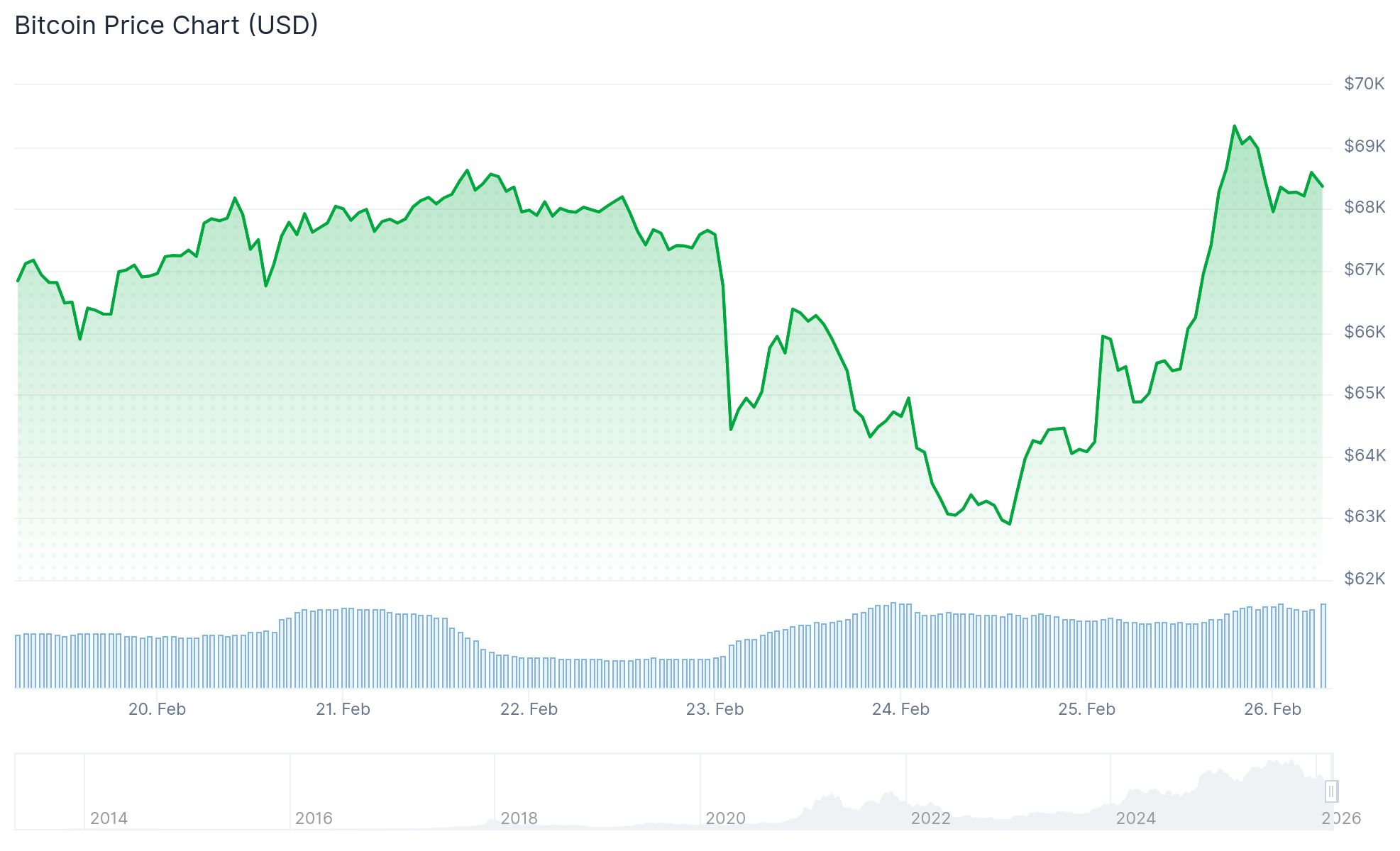
Back emphasized that this performance matches patterns observed in previous market cycles. He noted that price corrections during this phase have occurred repeatedly throughout Bitcoin’s history.
“Bitcoin is generally volatile,” Back stated. “In the previous four-year market cycles, this has been about a time in a cycle where price runs lower.”
He indicated that certain market participants may be trading based on these cyclical patterns rather than responding to current events or fundamental analysis.
During the same period, gold has reached record highs and silver has climbed to levels unseen in years. Capital seeking protection from inflation and global uncertainty appears to have favored precious metals over cryptocurrency assets.
Bitcoin was widely anticipated to attract similar defensive flows. The cryptocurrency’s value proposition centers on fixed supply and serving as protection against monetary debasement. However, price action in this cycle has yet to reflect that thesis.
Institutional ETF Investors vs. Retail Participants
Back highlighted key differences between retail and institutional Bitcoin ownership patterns. He observed that retail investors typically deploy most of their available capital during price increases and lack reserves to accumulate during corrections.
Conversely, ETF holders demonstrate greater investment stability. “The ETF holders are more sticky investors than the retail bitcoin exchange traders,” he explained. Institutional portfolios can shift allocations across multiple asset classes.
Back acknowledged that institutional adoption remains in its beginning phases. “I think there isn’t that much institutional capital yet,” he stated.
Drawing Parallels Between Bitcoin and Early Amazon Equity
Back drew comparisons between Bitcoin’s current trajectory and Amazon stock during its early years, which experienced significant volatility before achieving relative stability. He characterized volatility as an inherent feature of rapid adoption cycles.
He anticipates that increased participation from institutions, corporations, and sovereign entities will gradually reduce Bitcoin’s price fluctuations. Back projects the asset could eventually exhibit volatility characteristics similar to gold.
Back also noted that Bitcoin’s current market capitalization represents roughly 10 to 15 times less than gold’s valuation. He views this differential as potential upside if Bitcoin’s adoption as a store of value continues expanding.
Regarding corporate activity, Blockstream has signaled intentions to make a substantial Bitcoin acquisition. Market reports indicate the company could purchase up to 21,000 BTC, with speculation centering on a 13,000 BTC transaction valued at approximately $800 million.
