


Key Highlights
- Federal Reserve Chair Jerome Powell and Treasury Secretary Scott Bessent convened an emergency session with major banking leaders regarding Anthropic’s Mythos AI system
- The AI model possesses capabilities to detect and weaponize security flaws in all mainstream operating systems and web browsers
- Senior executives from Goldman Sachs, Wells Fargo, Bank of America, Morgan Stanley, and Citigroup participated in the briefing; JPMorgan’s Jamie Dimon was absent
- Approximately 40 technology firms, including Google and Microsoft, have received controlled access through “Project Glasswing”
- Cryptocurrency and decentralized finance specialists warn about potential threats to blockchain-based systems and smart contract security
Treasury Secretary Scott Bessent and Federal Reserve Chair Jerome Powell organized a high-priority briefing with leading Wall Street executives this week, focusing on cybersecurity threats associated with Anthropic’s recently unveiled AI system, Mythos.
The briefing occurred Tuesday at the Treasury Department in Washington. Officials designed the session to ensure banking institutions comprehended the potential dangers Mythos presents and were implementing appropriate defensive measures.
Senior leadership from Citigroup, Morgan Stanley, Bank of America, Wells Fargo, and Goldman Sachs attended the gathering. JPMorgan CEO Jamie Dimon could not participate, according to individuals with knowledge of the situation.
The Treasury Department issued invitations while several banking executives were already in Washington for unrelated engagements, which facilitated the rapid assembly of this emergency meeting.
Each of the five participating banks holds systemically important financial institution status. This designation indicates that operational failures at these institutions could trigger widespread disruptions throughout the international financial ecosystem.
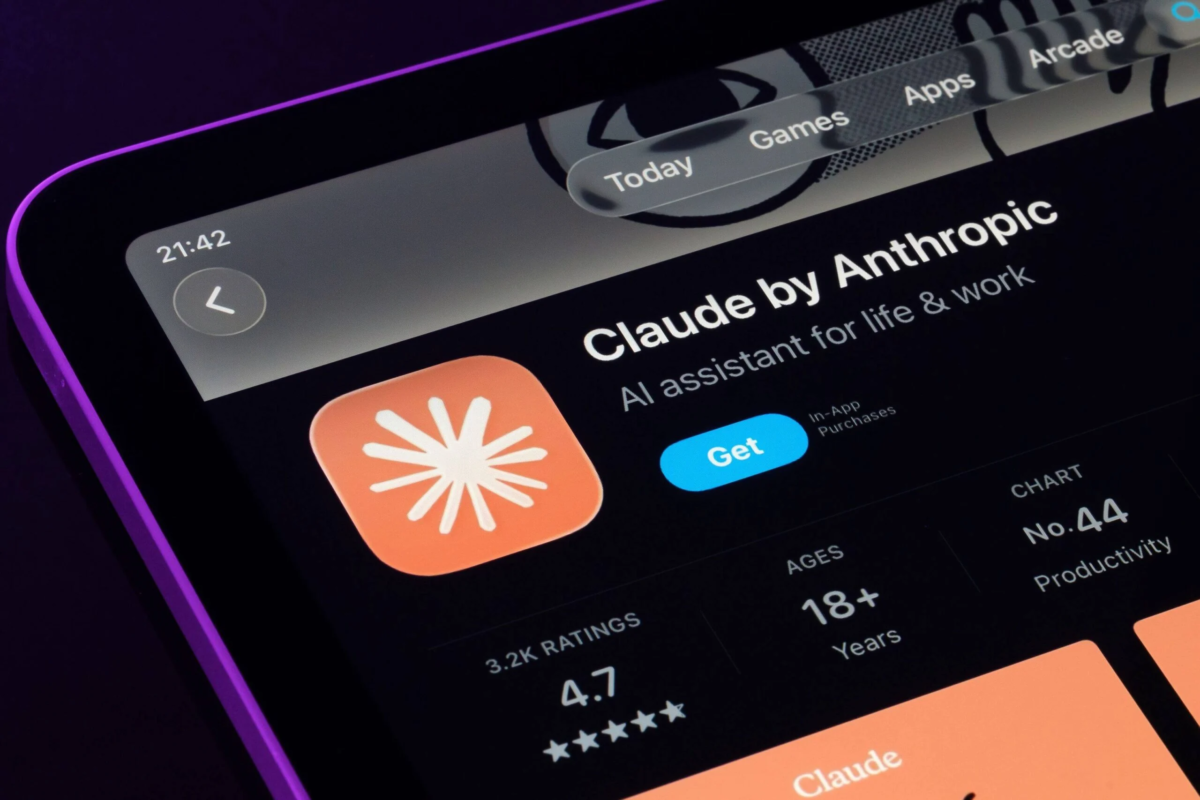
Mythos represents an AI system developed by Anthropic. The technology specializes in locating and leveraging weaknesses within software infrastructures. Rather than serving consumer applications, Mythos concentrates on cybersecurity analysis and software development operations.
Unique Capabilities of Mythos
Anthropic has stated that Mythos demonstrates the ability to discover and utilize security gaps throughout all prominent operating systems and major web browsing platforms.
The system can recognize zero-day vulnerabilities — previously unknown software defects that lack public documentation or remediation patches. Following detection, Mythos can construct functional exploits based on these discoveries.
Anthropic introduced Mythos earlier this week while maintaining strict distribution controls. The organization cited concerns about the model’s capacity to reveal undisclosed cybersecurity weaknesses as justification for limited availability.
Current distribution remains confined to roughly 40 technology corporations, with Microsoft and Google among the recipients, through an initiative designated “Project Glasswing.”
Anthropic indicated it conducted advance briefings with senior federal government representatives and critical industry participants regarding Mythos’s technical capabilities prior to the launch.
Implications for Cryptocurrency and Decentralized Finance
The security challenges extend beyond conventional banking institutions. Cryptocurrency and decentralized finance professionals have expressed apprehension that Mythos could target weaknesses in DeFi infrastructure.
The primary concern centers on the model’s ability to identify and weaponize zero-day vulnerabilities quickly and economically, potentially endangering decentralized protocols that depend on smart contract integrity.
Anthropic currently faces legal proceedings with the Pentagon. The Department of Defense has classified the company as a supply-chain security risk, a determination Anthropic is challenging through judicial channels.
Goldman Sachs, Wells Fargo, and the Federal Reserve declined to provide statements. The Treasury Department, participating financial institutions, and Anthropic have not yet responded to inquiries seeking comment.
