


TLDR
- Fraudulent X account impersonated Jonathan the tortoise’s veterinarian to announce his passing
- Major news organizations including BBC, Daily Mail, and USA Today published the false story after it gained 2 million views
- The imposter account requested cryptocurrency contributions throughout the deception
- Saint Helena’s governor personally verified Jonathan’s wellbeing during the nighttime hours
- Cryptocurrency fraud reached unprecedented levels in 2025, totaling $17 billion in stolen funds
A fraudulent social media announcement claiming the death of Earth’s oldest living land creature evolved into a cryptocurrency scheme that deceived prominent international media organizations.
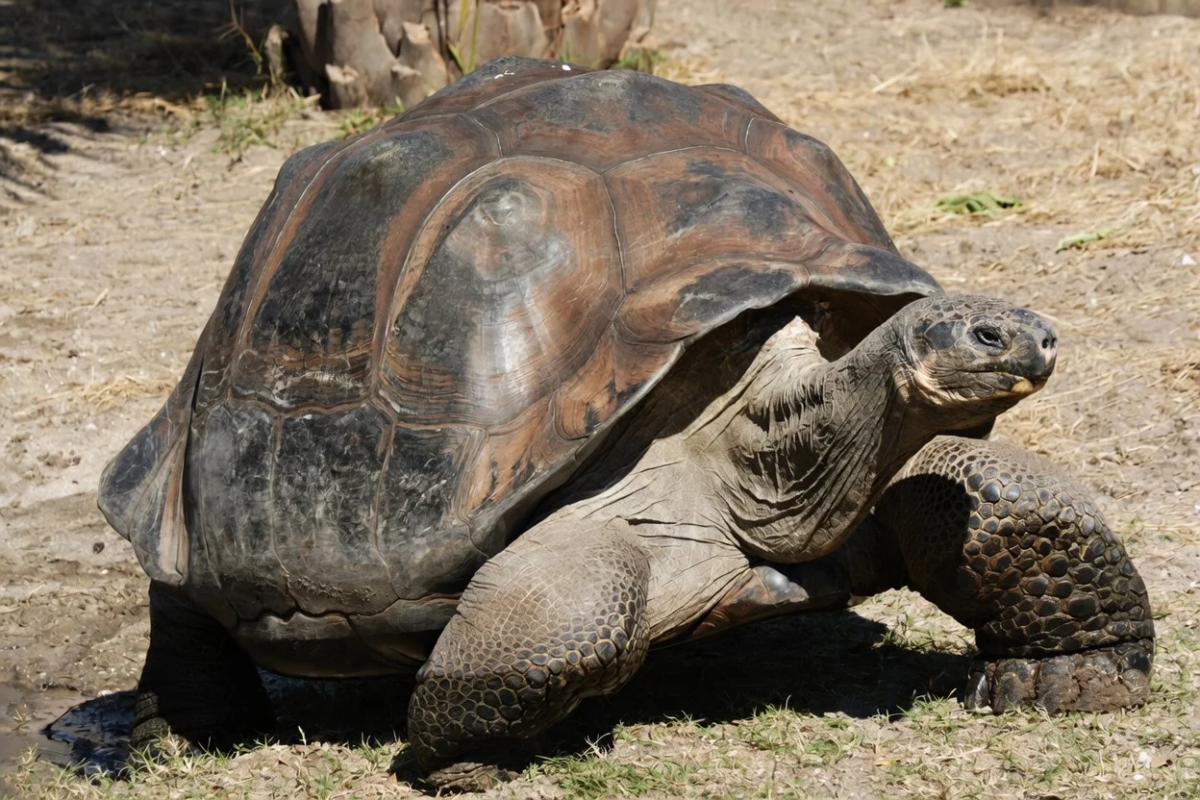
Jonathan, the 194-year-old Seychelles giant tortoise residing on Saint Helena island, became the subject of false mortality reports this week when a hoax X account distributed the fabricated story to millions of users.
The fraudulent account adopted the identity and credentials of Joe Hollins, Jonathan’s authentic veterinarian. The imposter expressed being “heartbroken” while announcing Jonathan had “passed away peacefully.”
The fabricated announcement quickly accumulated two million views. International outlets including the BBC, Daily Mail, and USA Today proceeded to publish obituaries based on the fraudulent account’s claims.
The reality: Joe Hollins maintains no presence on X whatsoever. He verified the announcement was entirely fabricated.
“Jonathan the tortoise is very much alive,” Hollins confirmed to USA Today. “I believe on X the person purporting to be me is asking for crypto donations… it’s a con.”
Investigative verification revealed the fraudulent account operated from Brazil rather than Saint Helena.
How the Truth Came Out
Saint Helena’s governor, Nigel Phillips, was preparing to sleep when inquiries began arriving from across the globe. He personally ventured outside during nighttime hours to verify the tortoise’s condition.
He discovered Jonathan precisely where expected — resting beneath a tree within his enclosure.
“Jonathan is asleep under a tree in the paddock,” Phillips informed The Guardian. He verified the animal was “very much alive.”
By Thursday morning, Phillips addressed the situation with humor on social media. He referenced Mark Twain, noting the “report of my death was an exaggeration.”
The Friends of the British Overseas Territories published a statement online, observing that the fraudulent account had recently modified its username while actively requesting crypto contributions.
Guinness World Records acknowledged the news with a relieved “phew.”
Jonathan’s Condition
Beyond the online confusion, Jonathan maintains good health considering his advanced age. Cataracts have eliminated his vision and he has lost his olfactory sense, though he maintains healthy eating habits and regular activity.
He resides at Plantation House, the governor’s official residence, alongside three companion tortoises named Emma, David, and Fredrik.
Jonathan has survived eight British monarchs, two global conflicts, and the complete evolution of digital technology.
The international outlets that published his obituary have since corrected their reporting.
The deception exemplifies growing trends in crypto fraud utilizing impersonation strategies. Blockchain analytics company Chainalysis reports crypto scam losses reached unprecedented levels of $17 billion in 2025.
The typical scam payment increased 253% to $2,764, fueled by AI-enhanced impersonation techniques and progressively sophisticated criminal operations.
