


Key Points
- Spirit Airlines has commenced an orderly shutdown following the failure of a $500M government rescue package
- The Trump administration and Spirit’s bondholders reached an impasse over rescue deal terms
- Jet fuel costs that doubled during the US-Iran conflict delivered a devastating financial blow
- The airline has cancelled all scheduled flights with automatic refund processing underway
- American Airlines and United are positioning themselves to accommodate Spirit’s former passengers and routes
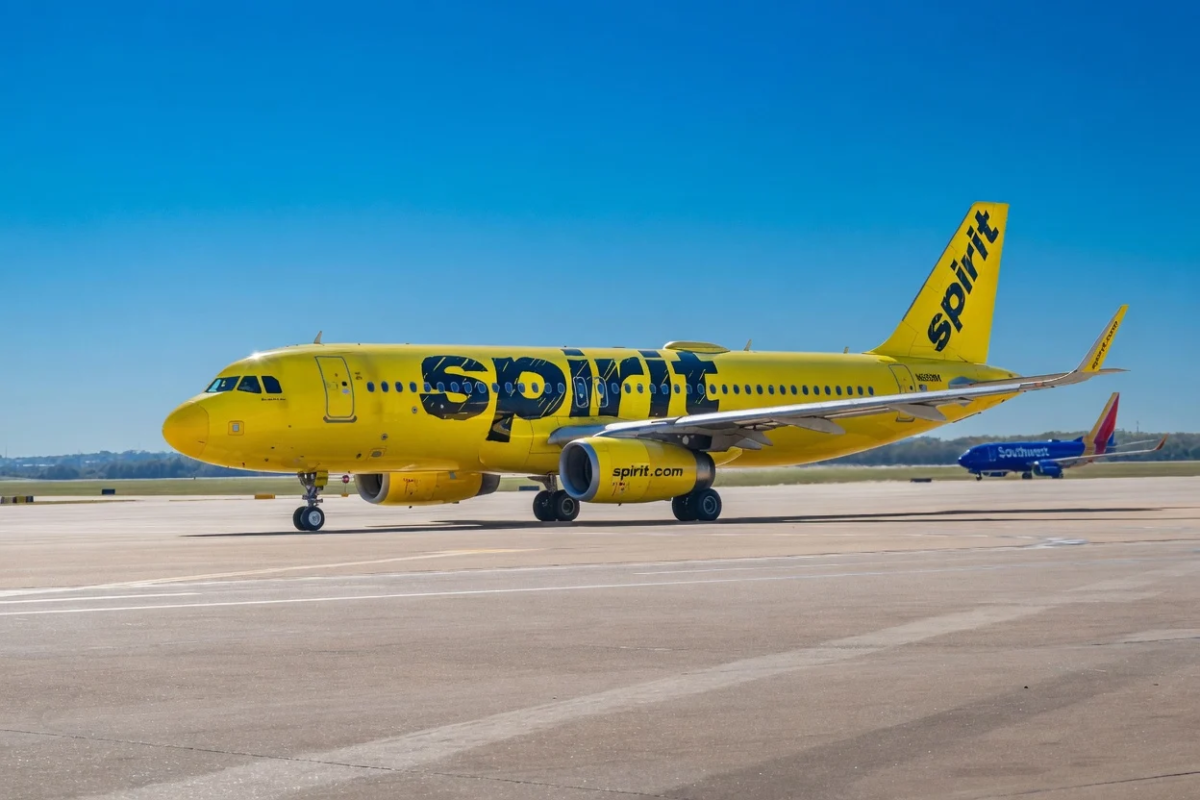
Spirit Airlines has ceased operations. The low-cost carrier announced on Saturday it initiated an immediate, orderly shutdown of all activities following the breakdown of final negotiations with the Trump administration regarding a $500 million rescue package.
The proposed arrangement would have granted the US government warrants convertible into as much as 90% ownership of the company. However, internal disagreements within the Trump administration, alongside resistance from bondholders concerned about adverse economic impact, resulted in the agreement’s collapse.
During a Friday press briefing, Trump indicated willingness to assist Spirit under specific conditions. “If we can help them, we will. But we have to come first. We’re first,” he stated.
Transportation Secretary Sean Duffy offered a more direct assessment, telling Reuters that rescuing the airline would constitute throwing “good money after bad.”
Spirit Aviation Holdings, Inc., FLYY
Shares of Spirit (SAVE) had been hovering near zero throughout its second Chapter 11 bankruptcy proceedings, demonstrating the market’s lack of confidence in any potential turnaround.
Surging Fuel Prices Proved Catastrophic
Jet fuel represents as much as 40% of airline operating expenses. Following the commencement of US and Israeli military strikes in late February, fuel prices approximately doubled — a catastrophic development that Spirit lacked the resources to withstand.
Savanthi Syth, an airlines analyst at Raymond James, described the fuel price surge as “the final nail in the coffin.” She observed that even prior to the Iran conflict, Spirit’s ability to survive past summer 2026 remained highly uncertain.
Spirit had shown signs of progress during its ongoing bankruptcy. The carrier reduced its fleet size, decreased flight frequency, and concentrated operations in key markets including Detroit, Orlando, and Fort Lauderdale. By February, it controlled approximately 3.9% of the domestic market, compared to 5.1% one year prior.
However, the dramatic fuel cost increase destroyed the restructuring plan Spirit had negotiated with creditors, eliminating any remaining viability.
Impact on Ticketholders
The airline has cancelled all scheduled flights. Spirit announced that tickets purchased via credit or debit card will receive automatic refunds to the original payment method.
Ticketholders who made reservations through travel agencies should reach out to those agencies directly. Customers who used vouchers, credits, or loyalty points will have their compensation determined through bankruptcy court proceedings.
Spirit has acknowledged its inability to reimburse costs such as emergency hotel accommodations or alternative flight arrangements.
Several passengers experienced significant disruption. One traveler informed CBS News that the shutdown notification arrived via email at 1am, which he failed to see before reaching Philadelphia International Airport at 5:45am for a flight that had been eliminated.
Spirit’s customer service telephone line has been disconnected. The carrier has instructed customers to communicate with its claims agent.
Industry Response and Future Outlook
American Airlines has implemented fare caps on economy tickets for nonstop routes that previously overlapped with Spirit’s network. United announced preparations to assist affected Spirit customers and employees.
Spirit’s aircraft fleet will undergo liquidation as part of the shutdown process.
The carrier had previously navigated Chapter 11 bankruptcy, with its most recent filing occurring last August. Earlier, JetBlue attempted a $3.8 billion acquisition of Spirit, which a federal judge rejected in 2024.
Spirit’s closing statement characterized the shutdown as occurring with “great disappointment.”
